
An internet outage can leave the office Wi-Fi symbol looking perfectly normal while cloud files, phones and payment systems stop responding. For a small business in Manassas, Fairfax, Loudoun County or the wider Washington, DC area, the useful question is simple: which work could continue if the primary connection disappeared?
Business internet backup is a second connection, paired with equipment and procedures that let essential traffic use it when the main service fails. A good plan covers connection diversity, automatic switching, power, application behavior and a repeatable test. Buying a second modem is only the beginning.
1. Define what must keep working
List the tasks your office needs during a two-hour outage. A professional-services team may prioritize email and client calls; a retail office may prioritize payment processing. Identify the devices and cloud services behind each task.
For each priority, record the person responsible, how long an interruption is tolerable and an approved temporary workaround. Decide what can pause, such as guest Wi-Fi or large software downloads. This gives your IT provider a realistic target for backup capacity.
2. Choose a connection with different failure risks
A second wired circuit or a business cellular connection can provide another path. Ask providers whether two wired services share an entrance, conduit or upstream infrastructure. Different provider names alone do not establish physical independence.
For cellular backup, test the actual carrier and equipment at the installation location during working hours. Check upload performance as well as download speed. A coverage map cannot confirm how the connection will perform inside your building.
Verizon’s backup internet overview distinguishes standby connectivity from primary service and notes that low-data plans may suit limited workloads. Before ordering, confirm the current allowance, overage terms, traffic-management policy, supported router and any public-IP requirements. Select the service for the tasks it must carry.
3. Make sure the firewall detects a real outage
A router can remain connected to its modem while the internet beyond that modem is unavailable. A plan that checks only whether a cable is plugged in may miss that situation.
WatchGuard’s Link Monitor documentation explains why monitoring only the provider gateway can miss upstream failures. It recommends appropriate monitoring targets beyond the local gateway. Have your IT provider configure detection for your equipment and network, including supported checks and reasonable failure thresholds.
Ask two separate questions: how does the firewall decide the primary link is unusable, and what traffic moves when that happens? Record the answers. A secondary circuit that never receives the required traffic will not solve the business problem.
4. Test phones, payments and remote access
Opening a website is a useful first check, but it does not prove that your business can operate. Test representative workflows with authorized staff:
- Place and receive a normal business phone call.
- Join a short video meeting and check audio in both directions.
- Open and save an approved cloud document.
- Run a provider-approved payment test without creating an unintended customer charge.
- Confirm authorized remote access and any application that uses an IP allowlist.
Changing connections may change the public IP address and interrupt active sessions. Remote-access services and vendor allowlists may need specific configuration. Do not assume a cellular connection supports every inbound service that works on the primary circuit.
Also test the return to normal service. WatchGuard’s multi-WAN guidance describes separate behavior for new and existing connections when the primary link returns. Your provider should confirm the supported behavior for your firewall and applications.
5. Protect the equipment that carries the connection
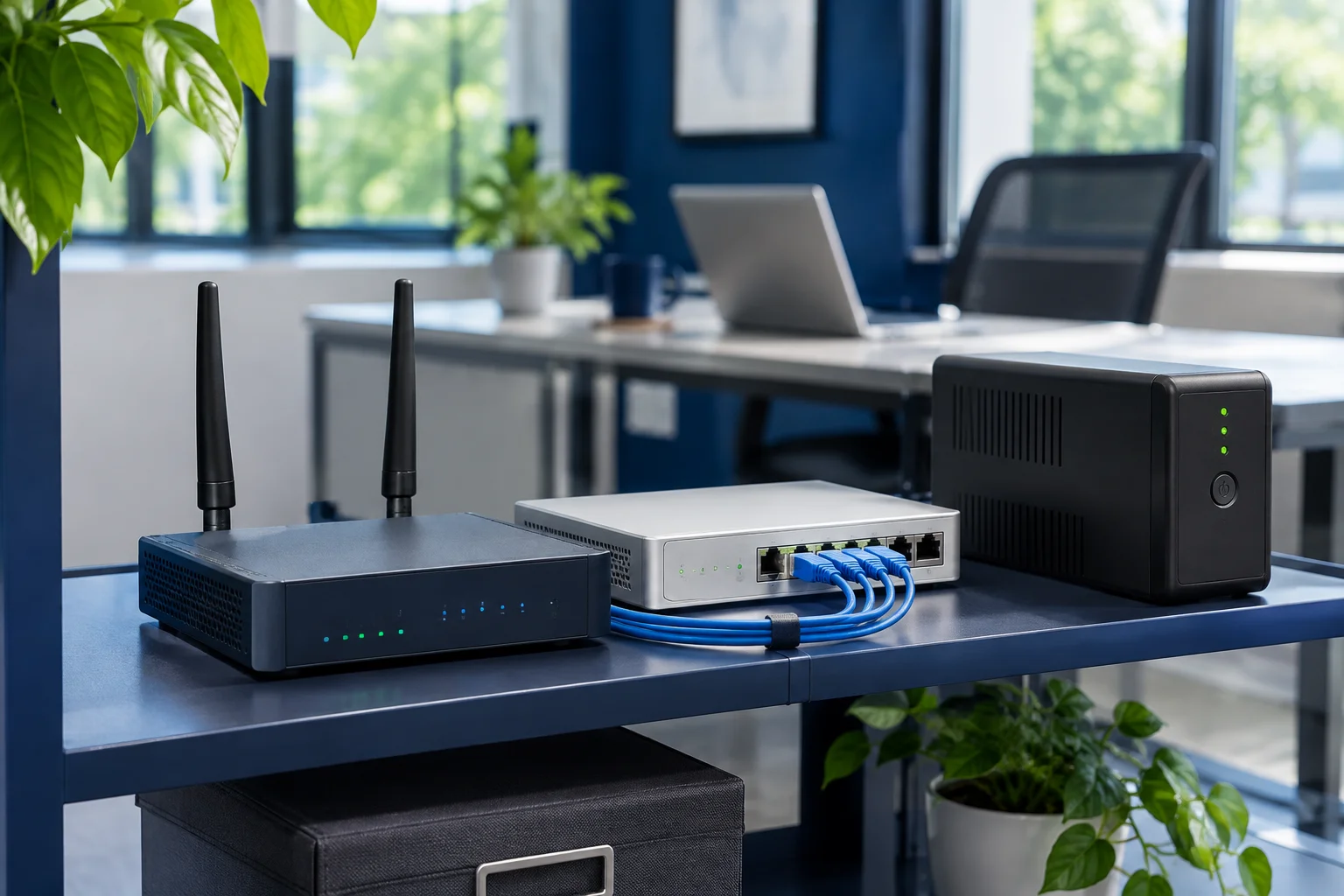
A working backup circuit is of little help if the firewall or network switch has no power. Review the complete path: provider modem or fiber terminal, cellular router, firewall, required switches, wireless access points and phones.
Use appropriately sized battery backup for the equipment your plan depends on. Check battery condition and runtime under the actual load. A UPS supports a limited operating window; it does not establish that the provider’s network will remain available during a wider outage.
Assign someone to monitor battery alerts and explain what staff should do if the outage outlasts the planned runtime. Include a separate contact method in the office response instructions.
6. Keep security and data usage under control
Ask your IT provider to confirm that the intended firewall rules, network separation and approved access controls also apply on the backup path. Avoid an improvised arrangement in which employees connect sensitive work devices to whichever hotspot they find.
Prioritize essential traffic when backup capacity is limited. Consider restricting guest streaming and deferring large transfers. Any change to scheduled data backups should be deliberate: record what pauses, who approves it and how missed jobs resume afterward.
For scale, a hypothetical sustained transfer of 5 megabits per second uses about 2.25 GB in an hour before protocol overhead: 5 × 3,600 ÷ 8 ÷ 1,000. This is an illustration, not an estimate of your office’s usage. Measure your workload before selecting a capped plan.
7. Run a controlled failover exercise
Schedule a maintenance window with your IT provider, notify affected staff and agree how normal service will be restored. Have the provider simulate loss of the primary connection without switching off the entire office network.
Measure how long each critical workflow takes to recover. Record dropped calls, sign-in problems, failed applications, backup-link usage and whether the responsible person receives an alert. Restore the primary connection and repeat the workflow checks.
Keep a short test record:
- Test date, participants and the simulated failure.
- Time from interruption to usable backup service.
- Results for each critical application and phone workflow.
- Alerts received, data consumed and return-to-primary behavior.
- Unresolved issues, an owner and a correction deadline.
Use the results to improve the plan. A quarterly exercise is a practical starting point for many small offices, with additional checks after material network changes. The right schedule depends on the business impact of an outage.
Example: a 12-person Northern Virginia office
Consider a hypothetical office that needs client calls, email and its scheduling application during an outage. Its plan might combine the existing wired service with a separately assessed cellular connection, a compatible firewall and battery protection for essential network equipment.
The office could limit guest traffic during backup operation and test calls, scheduling and document access before accepting the setup. If an active call drops during switching, the handoff instructions should say how to reconnect. Success means the agreed work resumes within the office’s target, with any limits understood.
Review your network continuity with Genius Fixers
Genius Fixers helps businesses in Virginia, Maryland and Washington, DC plan and support their office technology from Manassas. We can review your current network, critical applications and support responsibilities, then scope the changes needed for a tested internet backup plan.
Explore managed IT services or network services to start the conversation. Provider availability, equipment, subscriptions and project work are confirmed in your written scope.
Contact Genius Fixers or call 1-800-949-6592. Bring your provider details, device count and the three tasks your office cannot afford to lose.
Frequently asked questions
Is a phone hotspot enough for business internet backup?
It may support a few approved devices temporarily. An office that depends on wired phones, shared systems or automatic switching needs a tested plan for those devices, access controls and data usage.
Will an internet failover keep every call connected?
Do not assume it will. A change in network path or public IP address can interrupt active sessions. Test your actual phone and meeting services and document how staff reconnect.
Does backup internet replace cloud backup?
No. Backup internet provides another connection. Data backup preserves recoverable copies of information. A business continuity plan may need both.
How often should a small business test internet failover?
Set a schedule based on how critical connectivity is. A quarterly exercise is a practical starting point, with additional testing after a provider, firewall, phone-system or network change.