
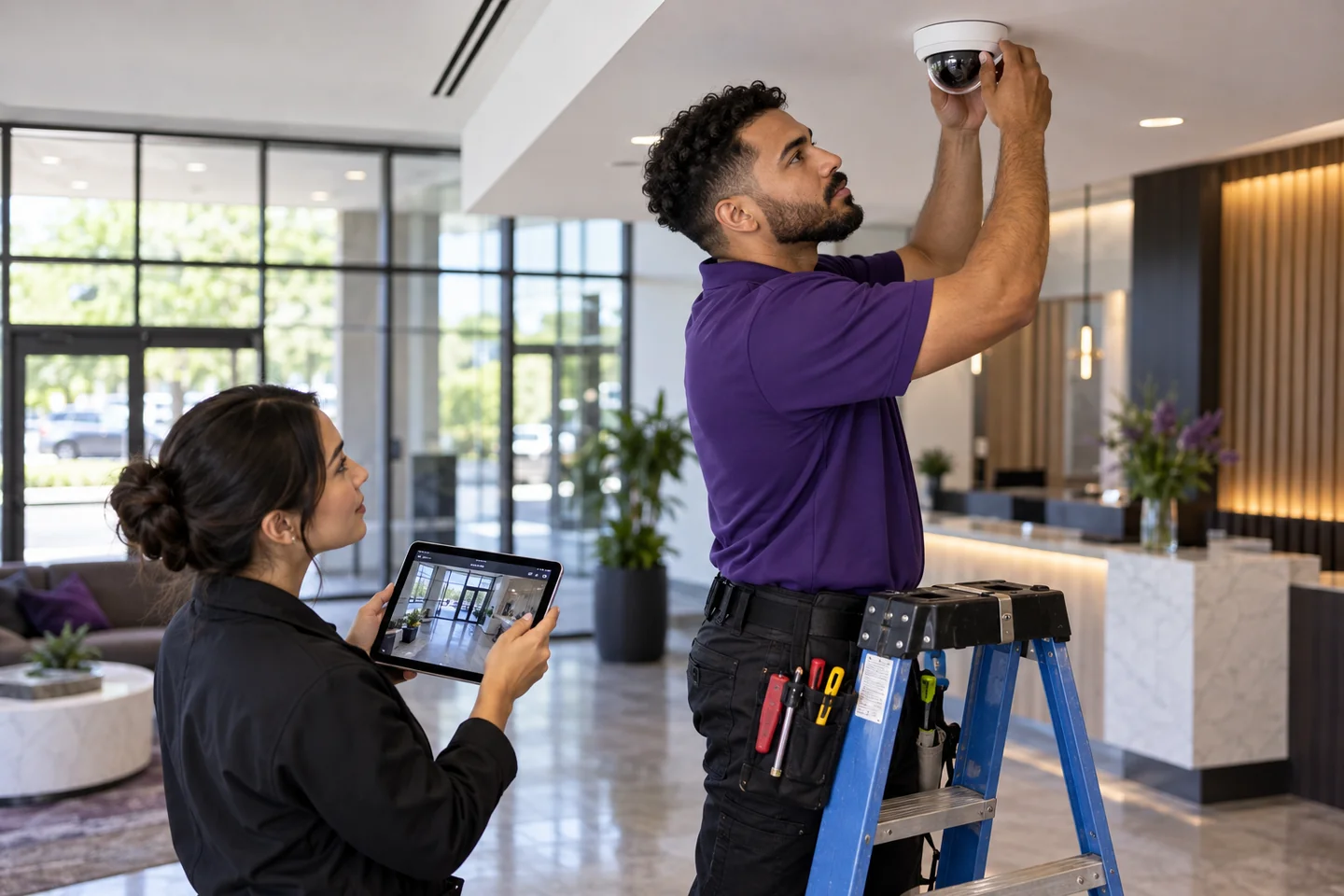
Moving into an office, adding workstations or improving building security is easier when your cabling and cameras are planned together. A camera needs a dependable connection and a place to store recordings. Your computers, phones and wireless access points need an organized network that is easy to support.
Genius Fixers provides network cable installation and security camera installation for businesses in Northern Virginia, Maryland and Washington, DC. Whether you are opening a Manassas office, expanding a Fairfax practice or updating a Sterling warehouse, start with a plan for the whole space.
Why plan cabling and cameras together?
Network cabling is the physical connection between your equipment and the switches that carry its traffic. A network drop usually connects a wall outlet or device location back to a patch panel or network cabinet.
A coordinated installation can bring workstation connections, Wi-Fi access points and IP cameras into the same project. That lets you plan cable pathways, switch capacity, power and equipment space before installation begins.
Sharing infrastructure does not mean giving every device unrestricted access. Camera access and business data should have appropriate separation and permissions.
What should a network cabling project include?
A useful proposal identifies where each connection will go and what it will support. Count more than desks: include printers, phones, meeting rooms, access points, cameras and any equipment that needs a wired connection.
Ask for these items in the installation scope:
- A floor plan or location list showing the required network drops.
- Cable and connector specifications matched to the intended use.
- Agreed routes through ceilings, walls and equipment areas.
- Patch panels, wall plates and cable management where needed.
- Labels at both ends, with a matching port schedule.
- Testing appropriate to the specified performance and copies of the results.
- Documentation showing how the installed connections map to the network.
For an occupied office, agree on working windows and which services may be interrupted. For a new space, coordinate with the property manager and other trades before ceilings and walls are closed.
Explore our network cable installation services for offices, relocations and expansions.
Cat6 or Cat6A: choose for the actual connection
Cat6 can suit many office links. Cat6A is designed to support 10-gigabit Ethernet over a standard 100-meter channel when the complete installation meets the applicable requirements.
The cable label is only one part of that decision. Connecting hardware, termination quality, routing and testing affect the finished link. Fluke Networks' cabling guidance explains why compatible components, proper installation and field testing all matter.
Standard structured copper cabling commonly allows a 90-meter permanent link within a 100-meter channel, including patch cords. Longer distances, links between buildings and unusual environments need a different design assessment. See Fluke Networks' explanation of cable length.
You do not need to choose cable solely from an advertisement. Give the installer your equipment list, expected speeds and expansion plans. Our Cat6 vs. Cat6A office guide explores that choice in more detail.
How PoE connects security cameras
Power over Ethernet, or PoE, lets compatible equipment receive data and electrical power through the same Ethernet cable. A suitable PoE switch, injector or recorder can supply a compatible camera without a separate power adapter at that location.
Reolink's PoE overview illustrates this arrangement. The installer still needs to match the camera's power requirements with the supplying equipment.
Check both the power available on each port and the switch's total power budget. Include access points and other powered devices in the calculation, and allow for the camera's operating features and future additions.
Also discuss what should keep working during a power interruption. Cameras, switches and recording equipment all need an appropriate power plan; backing up only the recorder may leave it with no video to receive.
Choose camera views before choosing camera quantities
Start with what your business needs to see. A view that shows movement across a parking area may not provide the detail needed at a doorway.
Review entrances, reception, loading areas, stockrooms and other authorized coverage areas individually. Consider viewing distance, mounting height, changing light, reflections, obstructions and outdoor exposure. Confirm suitable cable protection and mounting hardware for each location.
Ask the installer to demonstrate the intended view under relevant conditions. Include an after-dark check where nighttime coverage matters. Keep camera placement, access and retention aligned with the business's privacy requirements, and review audio recording separately before enabling it.
Our security camera installation service connects placement decisions with cabling, recording and authorized access.
Decide how recordings will be stored and retrieved
An NVR, or network video recorder, stores footage locally. Some systems use cloud recording or a combination of local and cloud storage. Compare them against your operating needs and recurring budget.
Define the retention period before sizing storage. Camera count, video settings, compression, scene activity and recording schedules affect how much space is required. A storage estimate should state its assumptions and be checked against actual recording behavior after installation.
Have the provider demonstrate three tasks: finding a past event, playing it back and exporting a usable clip. A live picture alone does not prove that recording works.
Ask what happens during an internet outage, a power failure or a storage fault. Identify who receives alerts and who is responsible for responding.
Protect remote viewing and the business network
Remote camera access should be configured as part of the installation. Give authorized users individual accounts, restrict administrator privileges and use multifactor authentication where the selected system supports it.
Keep cameras and recording software maintained. Separate camera systems from business devices with appropriate network controls, and avoid exposing camera administration directly to the public internet.
The Axis hardening guide recommends limiting network exposure, using dedicated accounts and maintaining device software. Apply the current guidance for the products actually installed.
The handover should include an access list, a secure transfer of administrative credentials and a process for removing users when their responsibilities change.
What affects installation cost?
Two projects with the same camera count can require very different amounts of work. Accessible ceiling space differs from a finished ceiling; an indoor reception camera differs from an outdoor mounting point.
Request an itemized quote covering:
- The number of cable drops, cable type and estimated routes.
- Cameras, mounts, switches, recorders and storage.
- Any access equipment or building work included in the scope.
- Configuration, testing, labeling and documentation.
- Recording subscriptions, licenses and other recurring charges.
- Training, warranty terms and ongoing maintenance responsibilities.
If you already have a managed IT agreement, confirm how physical installation is priced. Do not assume new cable runs, cameras or hardware are included in monthly support.
A practical installation handover checklist
Before accepting the completed project, walk through the agreed plan with the installer:
- Match outlet labels and camera names to the documentation.
- Confirm network connectivity at the installed locations.
- Review camera views in the lighting conditions that matter.
- Check timestamps, recording schedules and playback.
- Export a test clip and confirm authorized remote access.
- Review storage settings, alerts and the agreed retention target.
- Confirm who owns ongoing updates, user changes and support.
Keep the drawings, equipment inventory and test records available to the people supporting your office. Good documentation makes later changes and troubleshooting easier.
Network cabling and camera installation in Northern Virginia
Genius Fixers is based in Manassas and serves businesses across Northern Virginia, Maryland and Washington, DC. We can help scope network cabling and camera projects for offices, dental and medical practices, retail spaces, churches, warehouses and commercial properties.
For projects in Manassas, Woodbridge, Gainesville, Fairfax, Centreville, Chantilly, Sterling, Ashburn, Leesburg, Herndon, Reston, Arlington or Alexandria, share your site address and what you want to connect or cover. We will review the scope and scheduling with you.
Contact Genius Fixers or call 1-800-949-6592 to discuss your installation. A floor plan, approximate device count and preferred completion date are a useful starting point.
Frequently asked questions
Can network cabling and security cameras be installed together?
Yes. Planning both in one project lets the installer coordinate cable routes, network ports, PoE power, equipment space and testing. Camera traffic and access should still be separated from business systems where appropriate.
Should my business choose Cat6 or Cat6A?
Choose based on the required network speed, cable distance, equipment and installation conditions. Cat6 can suit many office connections; Cat6A supports 10-gigabit Ethernet over a standard 100-meter channel. The complete installed link and its test results matter.
Can you use our existing network cables for new cameras?
Possibly. Existing runs need inspection and testing, along with a review of their length, terminations, location and power requirements. Reusing suitable cabling can reduce work; damaged or unsuitable runs should be replaced.
Will security cameras record if the internet goes down?
A correctly configured local recording system may continue recording while its local network, cameras and recorder remain powered. Remote viewing and cloud features may be unavailable. Confirm the behavior of your chosen system with an outage test.
How much does network cabling and camera installation cost?
The price depends on cable and camera quantities, access to installation areas, run lengths, mounting work, switches, recording storage and configuration. Ask for an itemized proposal that separates installation, equipment, subscriptions and ongoing support.
Does Genius Fixers serve businesses outside Manassas?
Yes. Genius Fixers serves businesses across Northern Virginia, Maryland and Washington, DC. Share your address, building details and project requirements so we can confirm installation scope and scheduling.