What should you check before closing the office for a holiday?
Prepare your small business for a holiday office closure with a practical IT checklist for backups, remote access, monitoring and support coverage.
Start with one accountable owner
Assign a person to coordinate the closure checklist, confirm completed work and track anything still unresolved. Prepare it several working days before the office closes so staff and vendors have time to test access and recovery.
1. List what must keep working
Start with the work that continues while the office is closed. A Manassas professional-services firm might still need email, payroll and client files. A Maryland operations team may need dispatch software. A Washington, DC nonprofit may continue accepting donations and enquiries.
For each essential task, record the application, the person responsible and the systems it depends on. Decide what can wait until reopening. This turns a vague instruction to “keep everything running” into priorities your IT provider can act on.
2. Check recovery before the last working day
Review the latest backup results, investigate failures and restore a representative business file to a safe test location. Have an authorized employee confirm that it opens and contains the expected information. Record the backup date, restore time and result.
CISA’s StopRansomware Guide recommends offline, encrypted backups and regular recovery testing. Ask how your backup copies are protected if an attacker gains access to the production network. For more background, see our small-business backup guide.
Choose the test around a real business need: the file required for payroll or the application needed for the first appointment after reopening. Finding a recovery problem while the right people are available gives you time to correct it.
3. Test approved remote access
Ask anyone scheduled to work remotely to sign in from outside the office before the closure. Check their approved device, multifactor authentication and access to the specific applications they need. Test the work itself, such as opening a shared document, rather than stopping at a successful login.
Have your IT provider review unused accounts and remote-access permissions. Do not create shared passwords or expose Remote Desktop directly to the internet as a last-minute workaround. The FTC’s small-business cybersecurity guidance covers secure remote access, software updates and multifactor authentication.
4. Assign someone to receive and act on alerts
A monitoring notification needs a responsible person behind it. Agree who receives backup failures, server outages and security alerts during the closure. Name a backup contact if that person is unavailable.
Separate the technical contact from the business decision-maker. Your technician may need permission to disconnect a compromised device, take an application offline or begin recovery. Record who can authorize those actions and how to reach them if company email is unavailable.
CISA and the FBI’s 2021 holiday and weekend advisory describes attacks during periods when offices were closed. It provides historical context for maintaining coverage; it is not a prediction of a specific attack this holiday season.
5. Plan maintenance and power deliberately
Schedule routine changes early enough to verify normal operations afterward. For urgent security fixes, agree a maintenance window and recovery plan with your IT provider. Avoid leaving an untested major migration for the final afternoon before everyone leaves.
Write down which equipment stays on. Servers, firewalls, switches, wireless access points, backup devices and camera recorders may support services even in an empty building. Review battery-backup alerts and confirm that essential equipment will retain power. Staff should follow an approved shutdown plan for their individual workstations.
6. Give employees a short handoff
Send a simple internal note with the closure dates, approved remote-work instructions and the support contact. Remind staff to report unexpected sign-in prompts, suspicious messages and missing devices promptly. Keep normal payment-verification procedures in place even when an urgent request appears to come from someone on vacation.
Keep recovery details and emergency contacts in an approved location available to authorized staff during an outage. Do not put passwords or recovery codes in a general holiday email.
Your final office-closure checklist
- Business priorities: essential applications and responsible people recorded.
- Backups: recent jobs reviewed, a restore checked and failures assigned.
- Remote work: approved access tested before employees leave.
- Monitoring: primary and backup responders confirmed.
- Maintenance: changes verified and equipment power instructions documented.
- Support: holiday hours, escalation method and charges confirmed.
- Reopening: someone assigned to check core applications and outstanding alerts.
Make reopening part of the plan
Reserve a short check before the team returns: internet connectivity, email, shared files, business applications and any essential printing or scanning. Review alerts from the closure and record unresolved items. A named owner and a realistic completion time are more useful than an unchecked box.
Prepare your holiday IT coverage with Genius Fixers
Genius Fixers supports businesses across Virginia, Maryland and Washington, DC from our Manassas office. We can help review your managed IT support, backup arrangements and closure priorities. Support hours, after-hours response and project work are defined in your service agreement.
Book a free introductory consultation or call 1-800-949-6592 to discuss the systems your business needs to keep running.
Frequently asked questions
Should we turn off every office computer before a holiday?
Use a device-specific plan agreed with your IT provider. Some computers need to remain available for approved remote work, backups or maintenance. Leave required servers, network equipment and security systems operating unless an authorized shutdown is planned.
Does a successful backup notification prove we can recover?
No. A completed backup job is useful evidence, but a restore test checks whether the required data can actually be recovered and opened. Record what was tested and any unresolved failures.
Is holiday support automatically included in a managed IT plan?
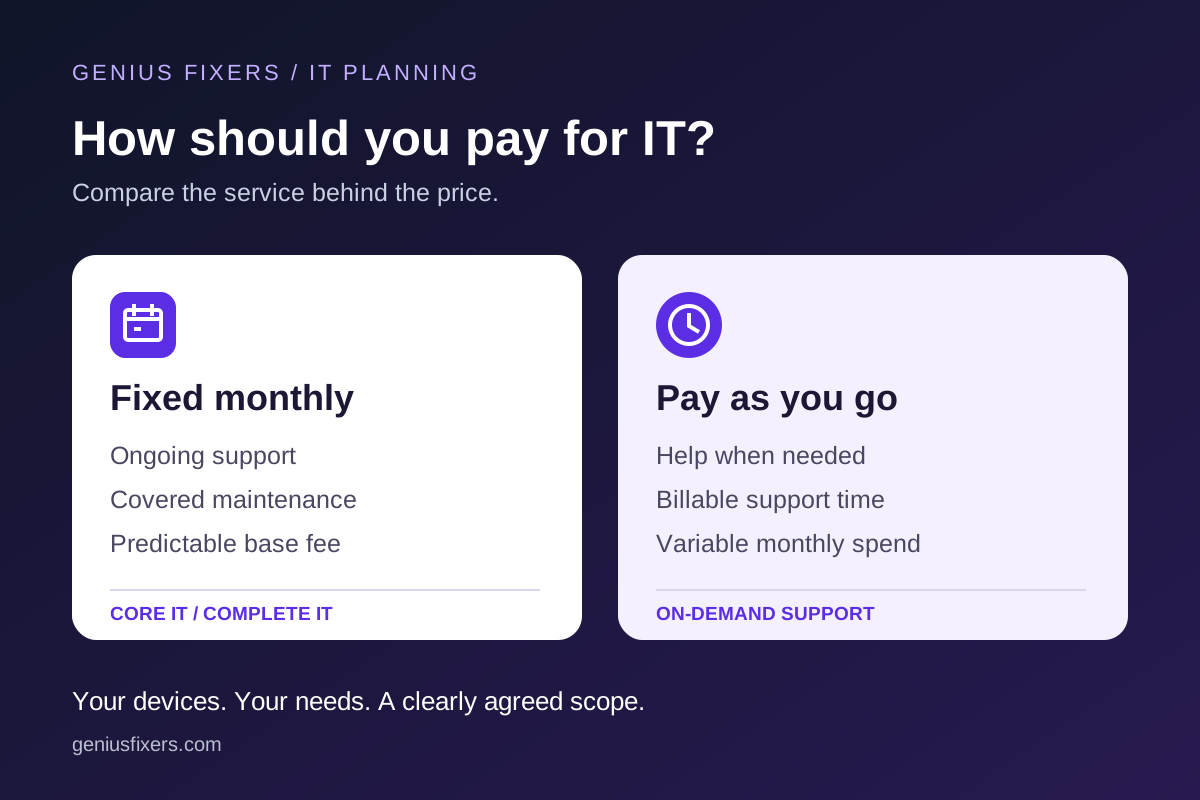
Coverage depends on your agreement. Confirm the hours, contact method, response arrangements and any additional charges before the closure.
Published October 29, 2026. Source guidance reviewed October 29, 2026.