A clear starting point for stronger business security
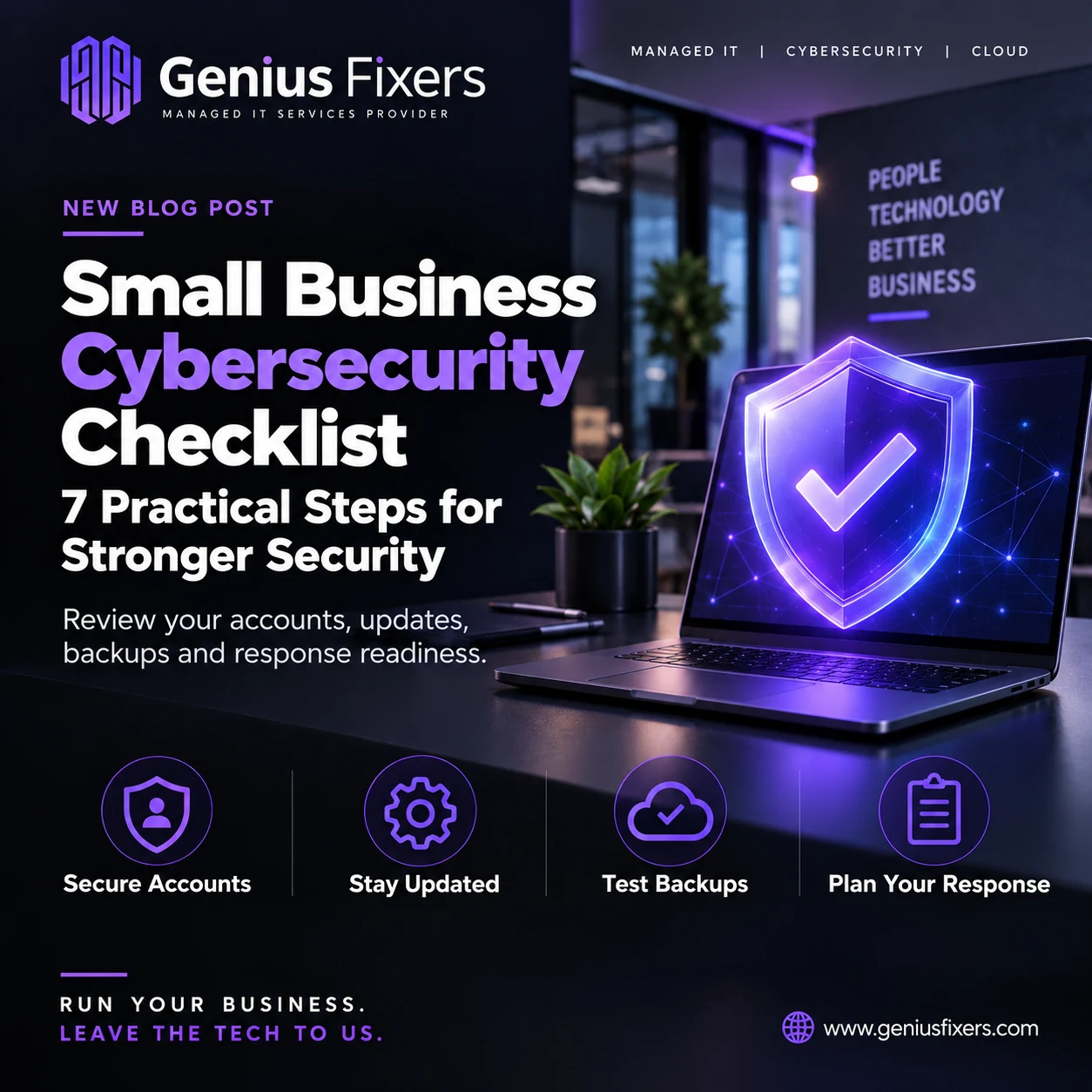
Use this small business cybersecurity checklist to review accounts, updates, phishing, backups and response readiness with Genius Fixers.
Give every improvement an owner
Start with one essential workflow and the systems behind it. Use the seven checks below to identify gaps, assign practical next steps and verify completion with your team or IT provider.
A busy business rarely has a spare day to stop everything and review IT security. A useful checklist makes the work manageable: choose a priority, assign an owner and collect evidence that the improvement is complete.
For teams in Manassas, Northern Virginia and the wider Washington, DC area, start with the systems that keep daily work moving. Your email, customer records, payroll and shared files deserve clear protection and recovery responsibilities.
1. Make a short list of your critical systems
Write down the applications your team needs to serve customers and get paid. For each one, record the business owner, administrator, support contact and where important data lives. Include company laptops, remote workers and cloud services purchased by individual departments.
Your next action: ask each department to name its three most important tools. Compare those answers with the systems your IT provider supports. Investigate anything missing from either list.
2. Review how people sign in
Require multifactor authentication where available, prioritizing email and administrator accounts. CISA recommends moving toward phishing-resistant MFA. Ask your provider which methods your applications support and how account recovery will work if someone loses a device.
Use a password manager for unique passwords. Avoid sharing a single employee login across a department; individual accounts make access changes and investigations easier to manage.
New staff are the easiest place to start. See how to set up a new employee's accounts and devices securely, with role-based access and a phishing-resistant first sign-in.
To catch passwords that have already leaked, learn what is dark web monitoring and what it finds, and who should act on each alert.
Your next action: request an account review showing who has administrator access, which accounts lack MFA and which former staff or vendors still have access. Assign an owner to resolve each exception.
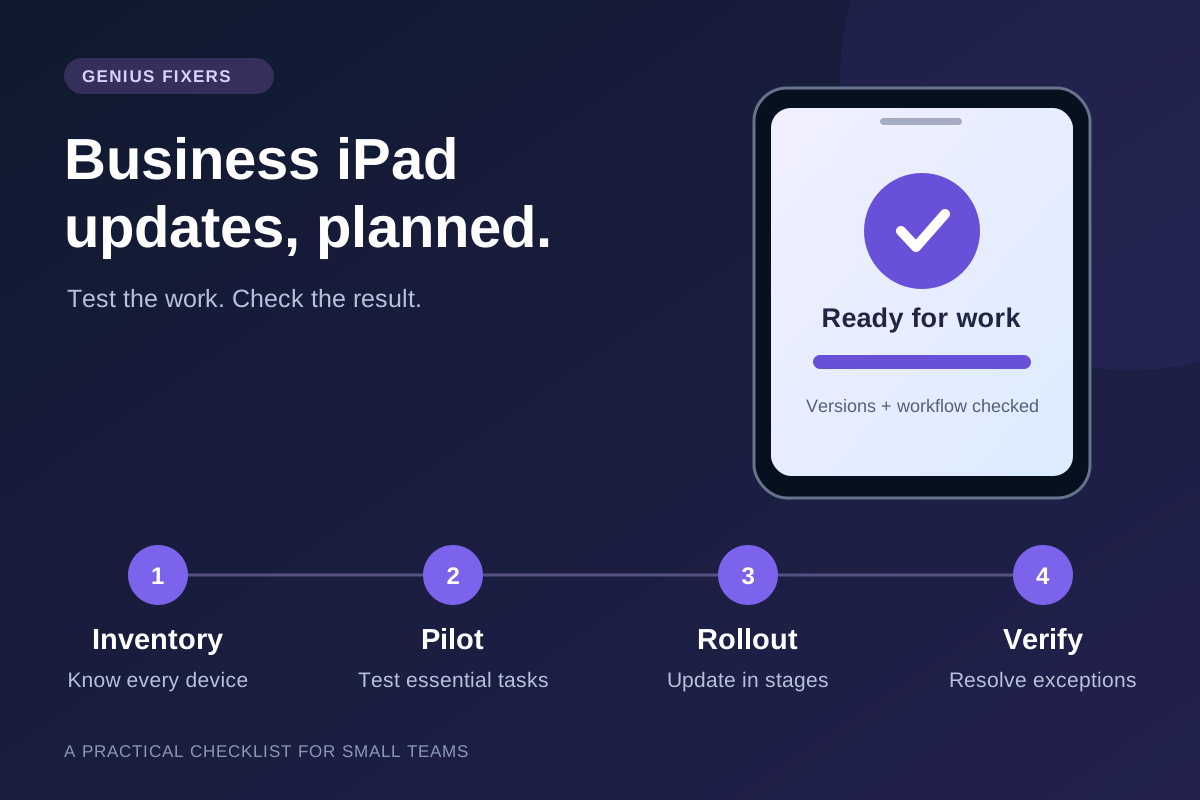
3. Check whether updates actually finish
Installing updates is an ongoing responsibility. A laptop that has been offline or waiting for a restart may not have the same protection as the rest of the office. Include browsers, business applications and network equipment in the discussion with your provider.
Your next action: ask for a report of devices needing attention, with a reason and next step for each. Agree on maintenance windows and a plan for equipment that no longer receives security updates. Confirm important applications still work after changes.
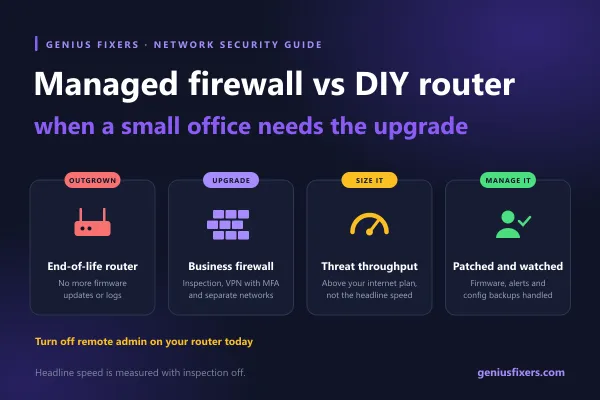
Your internet router is the piece most often forgotten. See how to check if your router is end of life with a 30-minute review you can run yourself.
4. Give employees a clear way to report suspicious messages
Teach staff to pause when a message asks for an unexpected sign-in, attachment download or change to payment details. Verify unusual requests through a known contact method. Make reporting easy and encourage employees to report promptly even if they already clicked.
Your next action: put the reporting contact in your staff onboarding material. Walk through an example with the team: who receives the report, what information should be included and who decides the next step?
Genius Fixers customers can submit a technical support ticket through Genius Desk. Describe the issue and business impact; do not include passwords or authentication codes.
5. Prove you can recover an important file
NIST recommends protecting and testing backups. Choose a representative business file or application and arrange a controlled recovery test with your IT provider. Have an authorized employee confirm that the restored information is usable.
Your next action: record the recovery point, time taken and result. Ask which systems are excluded from backup and who investigates failed backup jobs. Use the findings to improve your backup and disaster recovery plan.
6. Decide who handles security alerts
A security product needs a clearly defined operating process around it. Ask your provider which systems are monitored, during what hours, and who can investigate or authorize containment. Include the person responsible for contacting your business if an alert affects customer work.
Your next action: request a short responsibility list. It should distinguish the technology provider, your internal approver and any specialist response team. Keep contact information somewhere accessible if normal email is unavailable.
7. Rehearse one realistic disruption
Choose a simple scenario for a short team discussion: your office cannot access its shared files on a Monday morning. Who reports the issue? Who contacts the provider? Which work can continue? Who approves customer updates?
Your next action: write down the unanswered questions and assign follow-up work. This discussion is a planning exercise; it should not require shutting down production systems.
Turn the checklist into a monthly conversation
Keep a small action register with four columns: issue, owner, due date and evidence of completion. Start each review with unresolved items. When your business adds employees, locations or applications, revisit the relevant checks.
You do not need a complicated score to begin. An account exception resolved, an update failure corrected or a successful recovery test gives you something concrete to review.
Frequently asked questions
Where should a small business start?
Begin with critical accounts and systems, then identify the most important gaps with your IT provider. Assign responsibility for the work and verify completion before moving on.
Does this checklist replace a security assessment?
No. It is a starting point for a business discussion. A detailed assessment considers your systems, information, workflows and specific obligations.
Can managed IT support help maintain the checklist?
Yes, when those responsibilities are included in the agreement. Confirm the scope of account management, updates, security monitoring and backup testing with your provider.
Build a practical security plan with Genius Fixers
Genius Fixers helps businesses discuss managed IT support, cybersecurity services and recovery needs together. Tell us what your team relies on and where you need clearer ownership.
Run your business. Leave the tech to us.
Call 703-419-9000 or explore our IT support plans.