How do managed IT, cybersecurity and cloud backup work together?
Learn how managed IT services, cybersecurity and cloud backup work together to support your team, protect business data and prepare for recovery.
Start with the cost of interrupted work
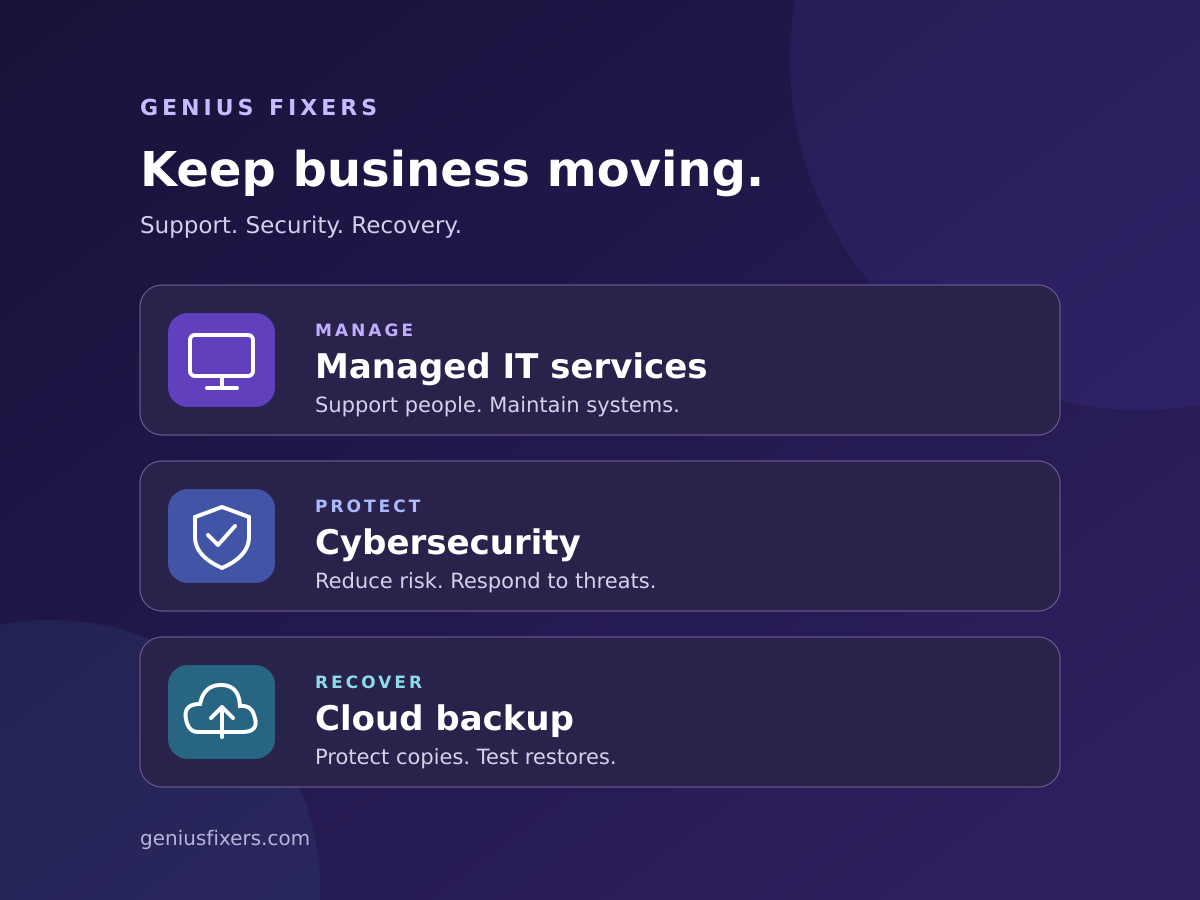
When technology stops, staff can lose access to the tools and information needed to serve customers. Managed IT handles ongoing support and maintenance. Cybersecurity reduces risk and supports incident response. Cloud backup provides recoverable copies of selected data. Bringing these responsibilities together helps a business prepare for everyday problems and more serious disruptions.
A busy office can lose momentum in several ways: a workstation stops working, an employee cannot access a business application, or an important folder disappears. Each problem needs a different response, but all three belong in the same technology plan.
1. Managed IT services keep everyday work moving
Managed IT services give your business an ongoing process for supporting people and maintaining the technology they use. The scope can include help desk support, computer and server maintenance, network monitoring, software updates, employee onboarding and offboarding, and coordination with application vendors.
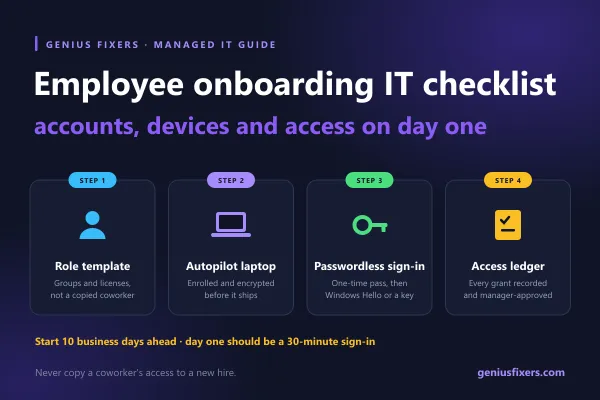
For example, when a new employee starts, a complete onboarding process prepares the device, assigns approved access, confirms security settings and checks whether important work is covered by backup. When that employee leaves, the same process removes access and transfers business records to an authorized owner.
Ask your provider to define the covered users, devices, locations and service hours. Confirm how urgent issues are escalated and which projects or specialist applications require separate arrangements. A quick response target should also explain what happens after the first acknowledgement.
Explore Genius Fixers managed IT services to discuss support built around your people and systems.
2. Cybersecurity protects accounts, devices and business information
Cybersecurity adds controls for reducing unauthorized access, detecting suspicious activity and responding when something needs investigation. It requires ongoing administration as well as suitable tools.
- Identity protection: multifactor authentication, individual accounts and access limited to each person's role.
- Device protection: supported operating systems, security updates and endpoint protection configured for the environment.
- Email and staff awareness: help employees recognize unexpected payment requests, suspicious links and credential prompts, with a clear reporting route.
- Monitoring and response: define who reviews alerts, which systems they can see and who can authorize containment.
An endpoint detection and response tool can produce an alert; someone still needs to investigate it and coordinate the next step. Ask whether the security service includes response work, what its coverage hours are and where responsibility passes to your business or another vendor.
The NIST Small Business Quick-Start Guide provides a useful starting point for organizations building a cybersecurity risk management plan. Use it to structure priorities and responsibilities alongside your provider's recommendations.
See how Genius Fixers cybersecurity services can fit into your wider IT plan.
3. Cloud backup prepares your business to recover
Cloud backup stores recoverable copies of selected information in a remote environment. The details determine its usefulness: what is included, how frequently copies are created, how long versions remain available and who can restore them.
A backup plan should map business data across servers, staff computers and cloud applications. Confirm coverage for the actual workloads your team uses. Files in a cloud application may have native recovery features, but those features need to be checked against your required recovery scenarios.
File synchronization and backup serve different purposes. Synchronization can carry a deletion or unwanted change across connected locations. Version history and recycle bins may help, but their limits and retention settings matter. Choose independent backup where the available recovery options do not meet your business needs.
CISA's #StopRansomware Guide recommends encrypted offline backups and regular recovery testing. For cloud backup, review administrative access, deletion protection, retention and options such as immutable copies. A copy being off-site does not by itself make it inaccessible to an attacker with compromised credentials.
Genius Fixers can help scope cloud solutions and backup alongside backup and disaster recovery planning.
How the three services work together
Consider this illustrative scenario: an employee reports suspicious activity on a laptop shortly before a client deadline.
- IT support coordinates the interruption. The team records the report, identifies affected work and arranges an approved alternative device or workflow.
- Security investigates the activity. The response owner reviews relevant evidence and contains affected access or equipment as appropriate.
- Recovery restores verified data. If information is damaged or unavailable, the team selects a suitable recovery point and validates restored work in a clean environment.
These activities may overlap. Restoring files before understanding an active compromise can expose the recovered environment again. Clear communication between support, security and recovery teams helps avoid that gap.
One provider can coordinate the work, or your internal team can share it with outside specialists. What matters is a written owner for each responsibility and a tested handoff.
Build your backup checklist around business recovery
Ask these questions before an outage forces the discussion:
- What is protected? List the applications, folders, databases, mailboxes and devices included, along with any exclusions.
- How much recent work could we lose? Set a recovery point objective, or RPO. A target of one hour means designing for no more than one hour of lost recent data, then checking whether the system meets that target.
- How quickly must work resume? Set a recovery time objective, or RTO, for each critical workflow. Include application setup, identity access and validation time.
- Who notices a failed backup? Assign an owner to investigate failures and coverage gaps.
- Who can delete backup copies? Review administrative permissions and protection against unauthorized changes.
- When did we last prove a restore worked? Record what was restored, the time taken and whether a business user could complete the required task.
RPO and RTO are planning targets, not automatic guarantees. A successful backup job is useful evidence, but a restore test shows whether the business can use the result.
How to compare a managed IT proposal
Look beyond a list of product names. A useful proposal explains who supports your staff, maintains devices, handles security alerts, checks backups and validates recovery. It also identifies business approvals and responsibilities that remain with your software vendors.
Compare the same scope across proposals: user and device counts, supported systems, service hours, security coverage, backup storage and retention, restore testing, on-site arrangements and project exclusions. Ask how costs change when your team grows. Visit our IT support pricing page and discuss the services your organization actually needs.
A practical first step for your business
Choose one essential workflow, such as sending invoices, accessing client records or processing orders. List the people, applications, devices and data it depends on. Then ask three questions: who keeps it working, who protects it and how would we recover it?
If an answer is unclear, you have a useful starting point for improvement. Assign an owner, agree on the next action and set a date to confirm it is complete.
Frequently asked questions
Are cybersecurity and backup included in managed IT services?
They can be included, but coverage varies by agreement. Confirm the specific security controls, monitored systems, response responsibilities, backup workloads, retention periods and recovery testing in your proposal.
Do we need cybersecurity if we already have cloud backup?
Yes. Backups help recover supported data, while cybersecurity addresses risks such as unauthorized access and malicious activity. A backup cannot reverse the disclosure of information that has already been stolen.
How often should a business back up its data?
Choose frequency based on how much recent work the business can afford to lose. Different applications may need different schedules. Validate that the configured backup process meets the agreed target and that failures receive attention.
Can Genius Fixers work with our existing IT team?
Yes. A co-managed IT arrangement can add support capacity or defined technical services alongside your internal staff. Agree on responsibilities, access approvals and escalation routes before work begins.
Run your business. Leave the tech to us.
Bring managed IT services, cybersecurity and cloud backup into one practical conversation with Genius Fixers. Tell us what your team relies on, what is slowing you down and what you need to protect. We will help define the support and recovery priorities for your business.
Call 703-419-9000 or 1-800-949-6592, or contact Genius Fixers to discuss your plan.